Node-based workflows
Full creative control with ComfyUI graphs for power users and technical artists.
PAI-IMG
ComfyUI in a box: a private design studio for on-brand imagery.
Your own generative design studio, delivered as an appliance. Built on ComfyUI, the open-source node-based workflow engine, and preloaded with curated models and ready-made templates, it lets designers turn sketches, references and prompts into prints, product concepts and campaign visuals, while your designs and your brand stay private.

01The challenge
Uploading unreleased collections, prints or packaging to public image generators risks leaks and unclear rights. Designers still want the speed of generative tools. A private studio gives them that speed on hardware you own.
02Capabilities
Full creative control with ComfyUI graphs for power users and technical artists.
Prepared workflows for common jobs, so non-technical staff get results without touching nodes.
Turn line sketches, mood images and existing products into guided renders.
Fine-tune style adapters on your own designs, on your own hardware.
Inpainting, background replacement, variations and high-resolution upscaling.
Models selected for quality and licence terms that suit commercial use.
03How it works
ComfyUI, the open-source node-based engine for image and video generation, with curated open models and Logic Sonata templates, configured and supported on your appliance.

Start from a prepared template or open the full ComfyUI canvas.
Describe the result, upload a sketch or point to a reference image.
Images render locally on your GPU, typically in seconds.
Iterate with variations, edits and upscaling until it is right.
Download to your design tools or share with your team.
04Ready-made templates
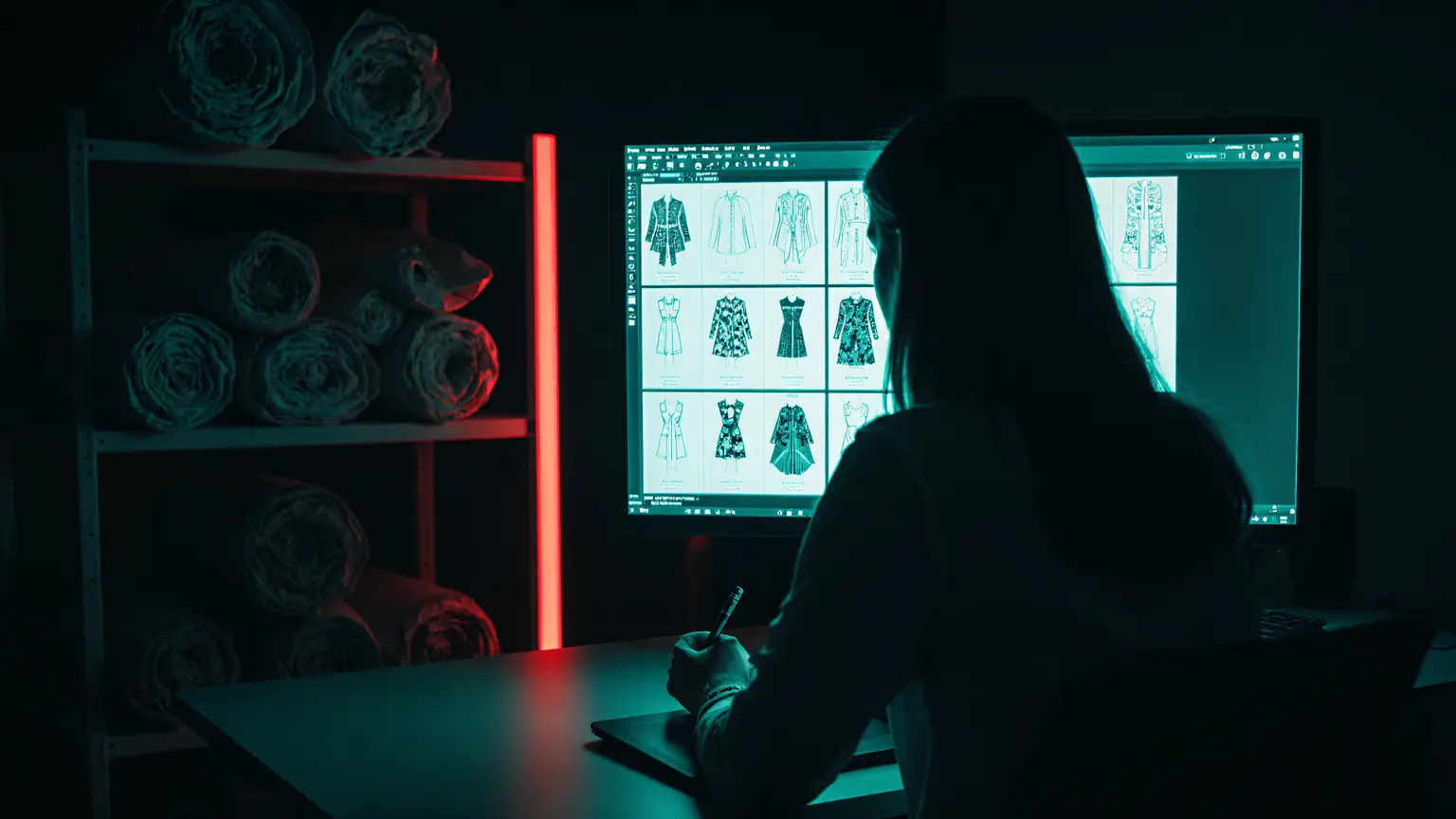
Each template is a tested ComfyUI workflow wrapped in a simple form, so the team gets consistent results without learning the node editor.
Prompt plus mood image to a grid of textile print directions, ready for colourways.
A line sketch of a garment or product becomes a photoreal concept render.
Recolour an approved design into seasonal palettes while keeping the pattern intact.
Place a product photo into clean studio or lifestyle scenes for e-commerce.
05Use cases
Explore print directions and recolour them in minutes before sampling.
Visualise new products and packs early, without a photo shoot.
On-brand imagery for seasonal launches and social content.
Consistent backgrounds, colour variants and lifestyle scenes at scale.
Rapid visual directions for buyers and internal reviews.
Show customers options quickly, from your own secure studio.
06Security and governance
Every Logic Sonata system runs on hardware you control, with access, audit and data boundaries designed in from the start.
07FAQ
No. Templates cover common jobs with a simple form. Technical artists can open the full node editor when they want more control.
Yes. We can train style adapters on your approved designs, on your hardware, so outputs stay consistent with your brand.
You control everything the studio produces. We select models whose licences suit commercial use and review terms with you.
08More from Logic Sonata
A governed assistant that answers questions from your SOPs, specifications, policies and reports. Every answer cites its source and every user sees only what their role allows.
Real-time analysis of live camera feeds by a vision-language model on your appliance. Ask what is happening on a line, at a dock or at an entrance, without video leaving your premises.
Code completion, repo-aware chat, review and agentic coding in the tools your developers already use, powered by open coding models on your own hardware.
Self-hosted AI agents built on Hermes Agent or OpenClaw that research, write and act across your tools, running on private models inside a sandbox with approval for anything that matters.
Get started
Book a 30-minute consultation. We will show the system working and scope a pilot around your use case.