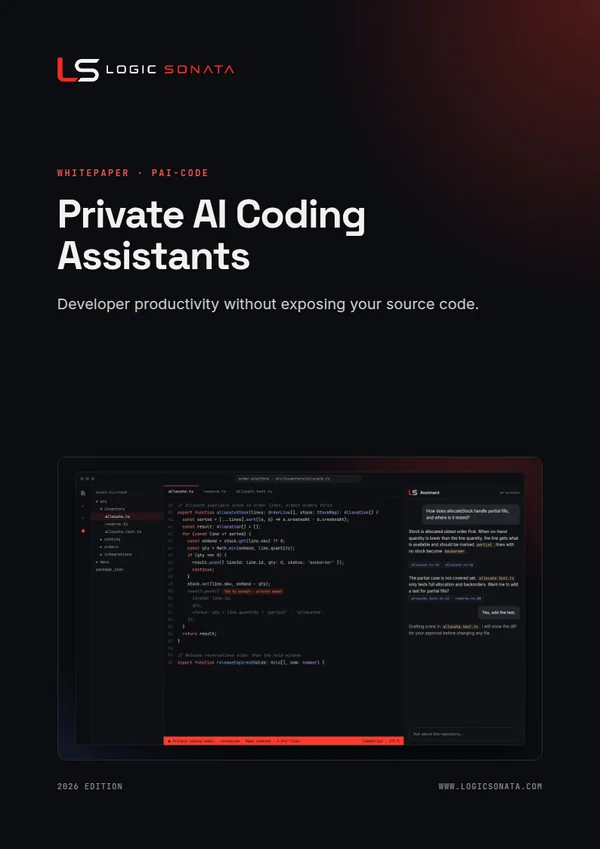
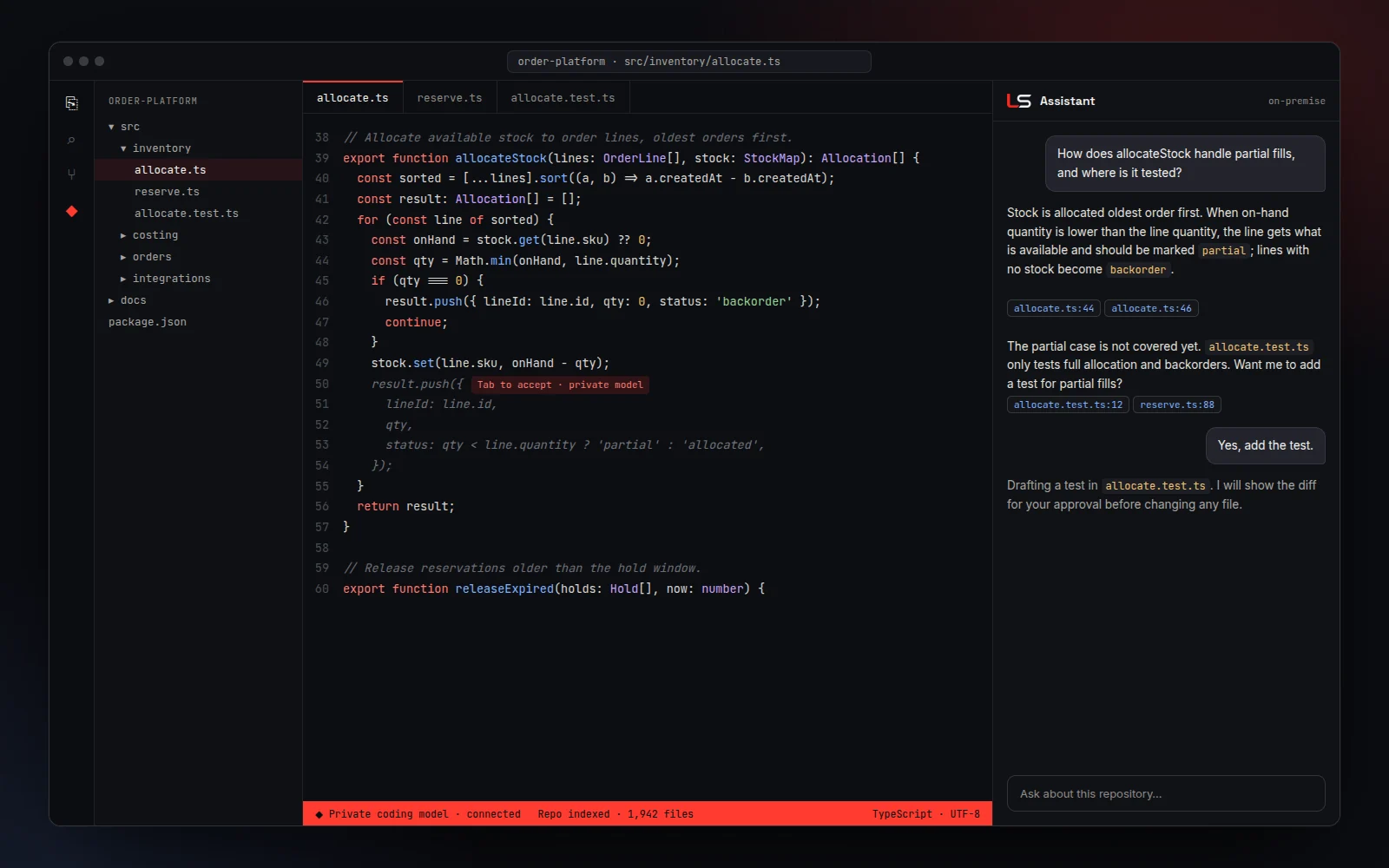
Inline completion
Context-aware suggestions as developers type, in the editor they already use.
PAI-CODE
AI pair programming that keeps your source code in-house.
Give your developers the productivity of an AI coding assistant without sending a line of source code outside the company. Completion, chat, code review and agentic tasks run inside VS Code, JetBrains IDEs and the terminal, powered by open-weight coding models on your appliance and governed by your own access rules.
01The challenge
Cloud coding assistants send code context to external servers. For proprietary systems, integrations and customer projects, that is often not acceptable. A private coding assistant keeps the benefit and removes the exposure.

02Capabilities
Context-aware suggestions as developers type, in the editor they already use.
Ask how a module works or where a function is used. Answers draw on an index of your own repositories.
Explain changes, suggest improvements and draft pull-request descriptions.
Generate unit tests, docstrings and README updates for existing code.
Multi-step changes planned and executed in the IDE or terminal, with a developer approving each step.
Single sign-on, per-team model access, usage reporting and a full audit trail.
03How it works
Open-weight coding models served through a private, OpenAI-compatible gateway, with open-source IDE extensions such as Continue and Cline for VS Code and JetBrains, plus terminal clients for agentic work.

Open-source extensions for VS Code and JetBrains, or a terminal client, point at your private endpoint.
Developers authenticate with single sign-on; access follows team and project rules.
Selected repositories are indexed on the appliance for repo-aware answers.
Completion, chat, review and agentic tasks are served by coding models on your hardware.
Usage and adoption are reported per team, with every request auditable.
04A day with the assistant
The assistant is most valuable on your own code, where public tools cannot safely go.
Walk me through how the order allocation service reserves stock, and where it can fail.
Write unit tests for the costing module, covering currency rounding edge cases.
Review this pull request for security issues and summarise the change for the release notes.
Document this legacy ERP customisation and propose a refactor into smaller functions.
05Use cases
New developers ask questions of the code instead of waiting for a senior engineer.
Understand, document and refactor older systems and ERP customisations safely.
Faster development of connectors and internal tools around core business systems.
Raise coverage on critical modules without slowing delivery.
Spot risky patterns before they reach production, on-premise.
Generate and refresh technical documentation from the code itself.
06Security and governance
Every Logic Sonata system runs on hardware you control, with access, audit and data boundaries designed in from the start.
07FAQ
For everyday completion, explanation and test writing, current open coding models perform well. The difference is control: your code never leaves the company. We benchmark against your own tasks during the pilot.
VS Code and JetBrains IDEs through open-source extensions, plus terminal-based clients for agentic workflows.
Yes. The platform is model-independent, so we select coding models to suit your languages, hardware and licence requirements, and can change them later.
08More from Logic Sonata
A governed assistant that answers questions from your SOPs, specifications, policies and reports. Every answer cites its source and every user sees only what their role allows.
Real-time analysis of live camera feeds by a vision-language model on your appliance. Ask what is happening on a line, at a dock or at an entrance, without video leaving your premises.
Self-hosted AI agents built on Hermes Agent or OpenClaw that research, write and act across your tools, running on private models inside a sandbox with approval for anything that matters.
A ready-to-use image generation studio built on ComfyUI, preinstalled with curated models and templates, so designers create prints, concepts and campaign visuals without their work leaving the building.
Get started
Book a 30-minute consultation. We will show the system working and scope a pilot around your use case.